Docs
Publish
Push your Pages, Blog, and Products live to your public website.
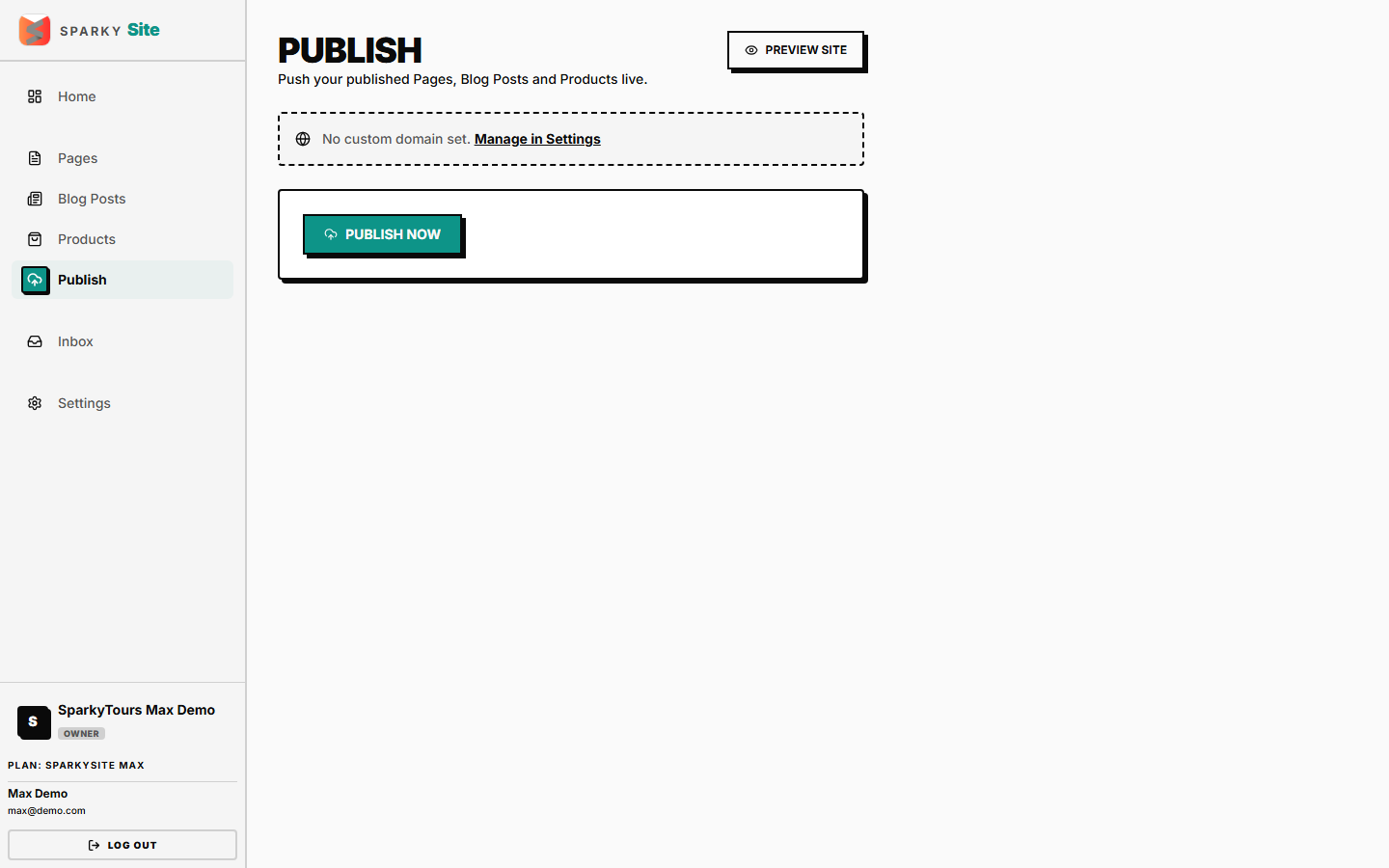
How to publish your site
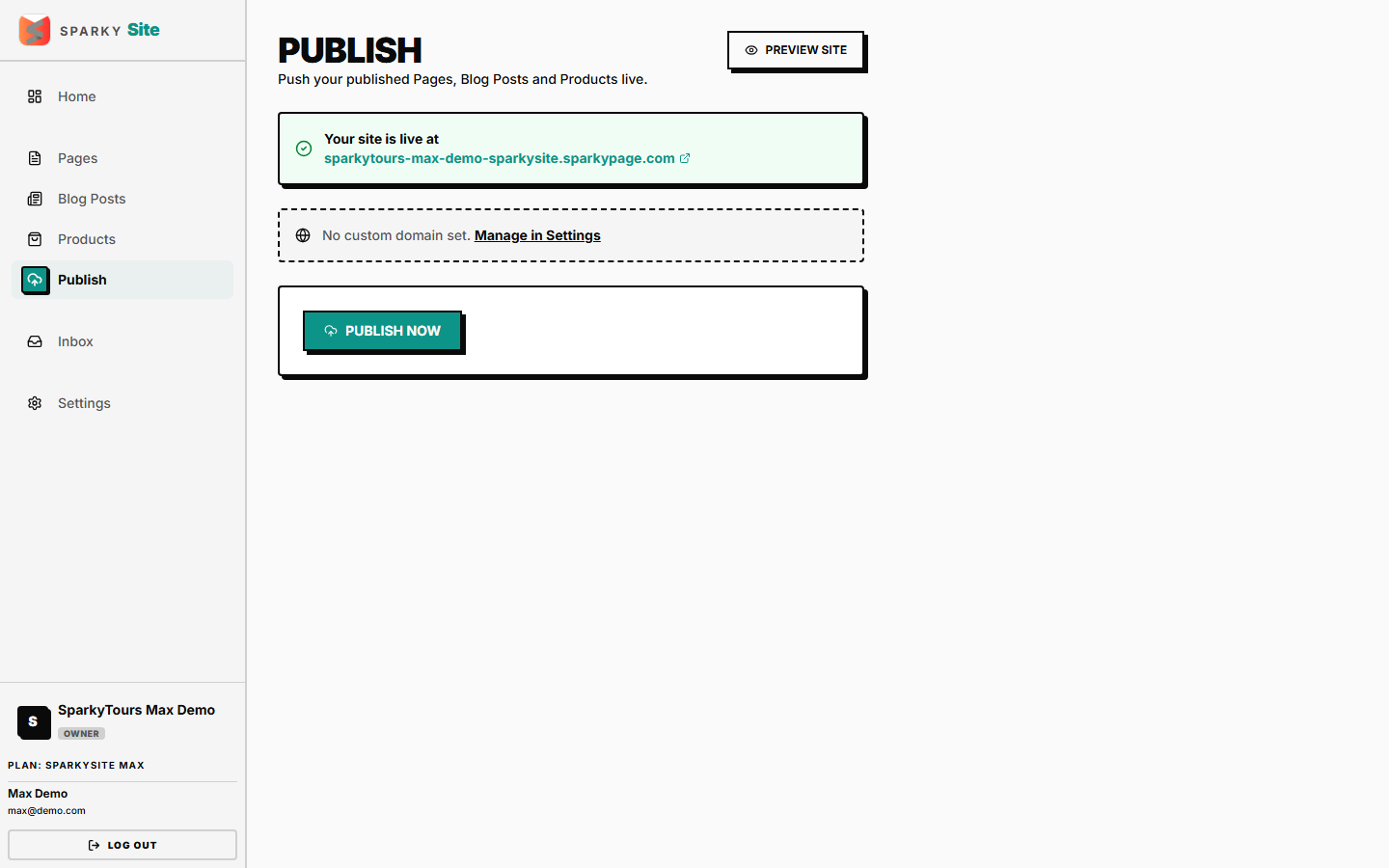
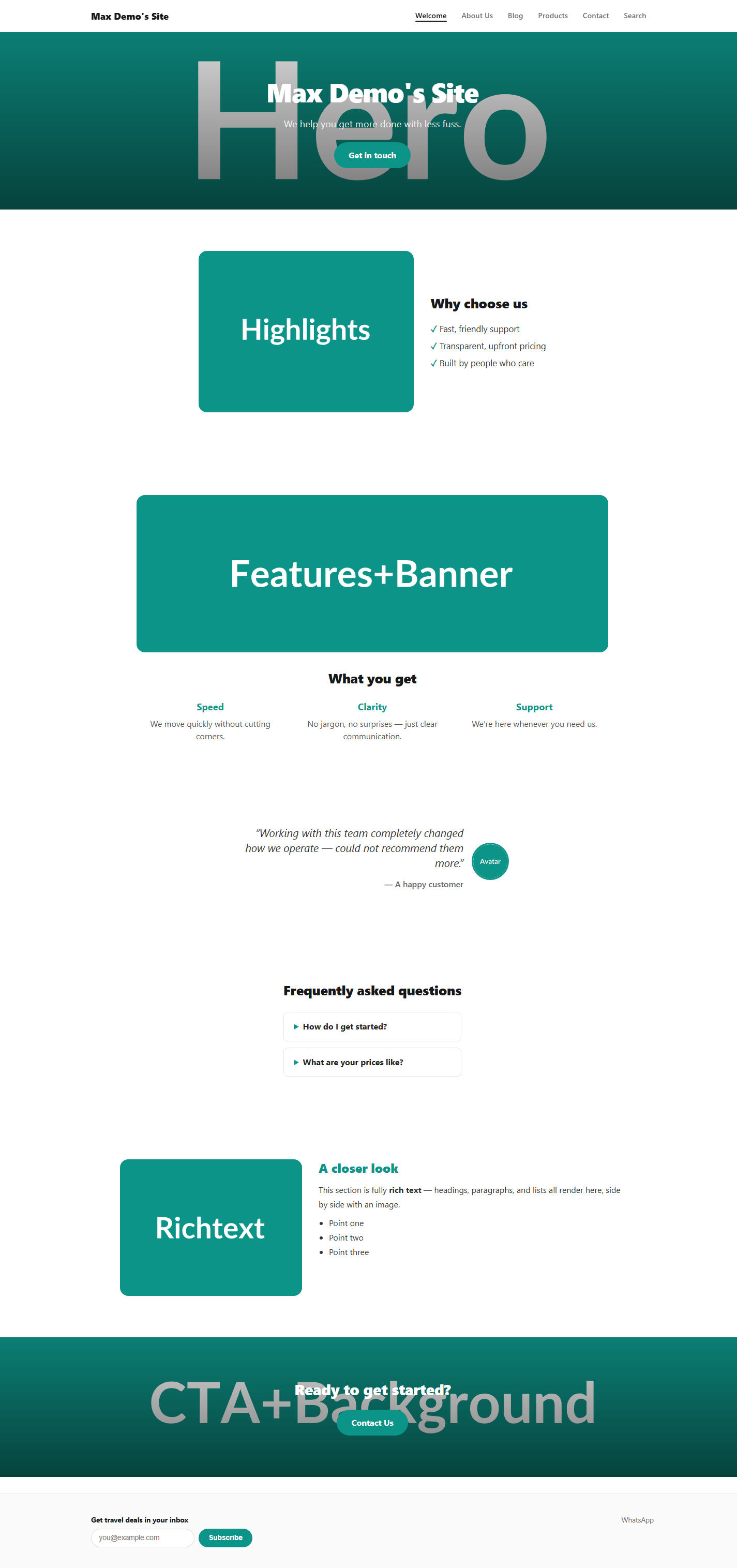
Open Publish from the sidebar and click "Publish." This builds your live site from everything you've marked Published (drafts stay hidden) and pushes it out — to your SparkySite subdomain, or your own custom domain if you've set one up in Settings → Domain.