
Settings
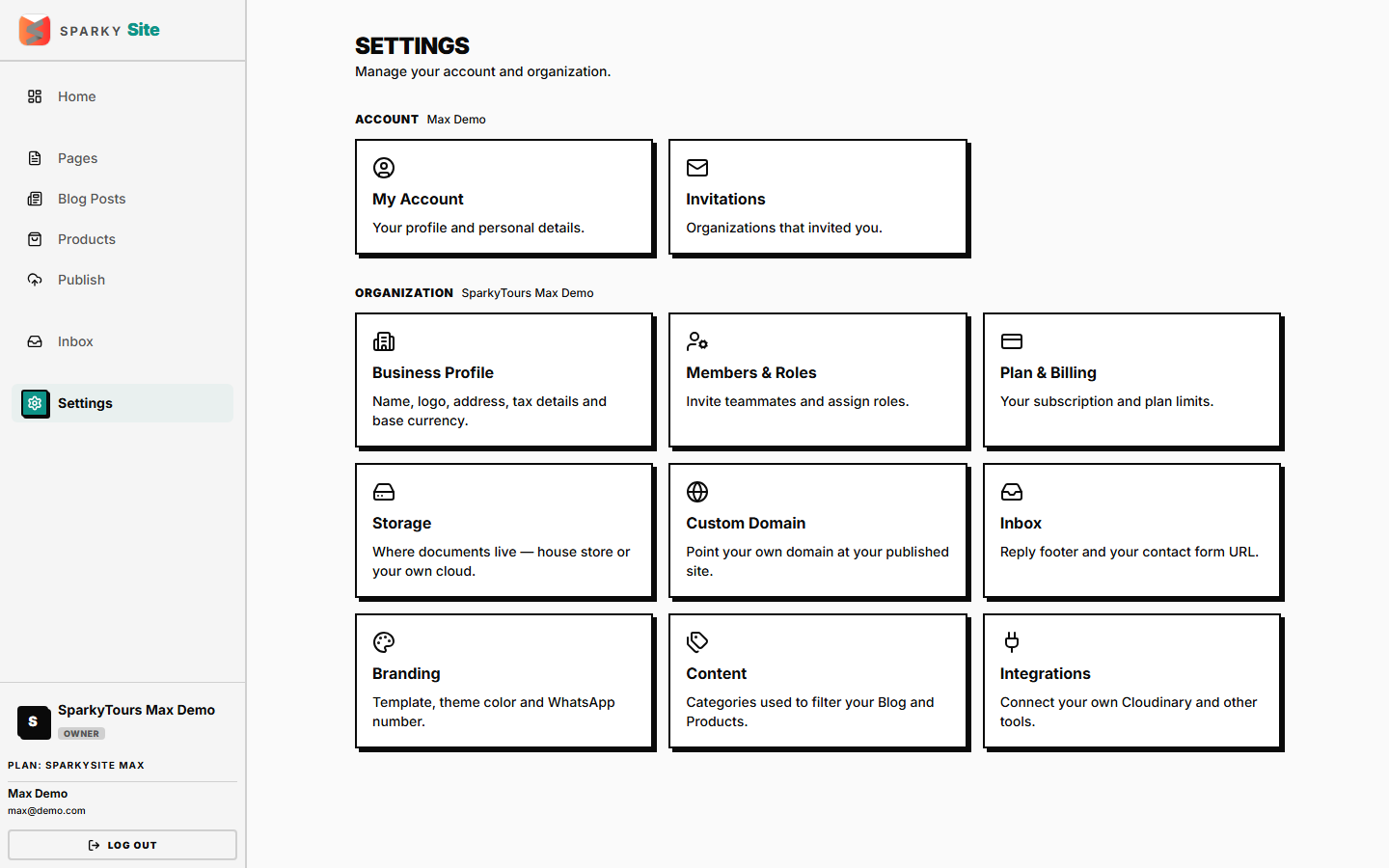
Organization-wide configuration: your business profile, team, plan, storage, custom domain, branding/theme, media hosting, blog/product categories, and support inbox setup. Each row on the Settings menu only appears if you have permission to use it.
How to update your personal account name
Open Settings → Account. This also lists every organization you belong to and which one is currently active.
How to update your organization's business profile
Open Settings → Business. Fields: organization name (required), legal name, contact email/phone, address, and registration number.
How to change your organization's currency
Same Business settings page — pick from the list of supported currencies (used as the default currency for new Products).
How to set your site's theme and template
Open Settings → Branding. Pick a color theme and a site template/layout.
How to add your social links
Same Branding settings page — add links for Instagram, Facebook, WhatsApp, YouTube, and LinkedIn.
How to set a custom domain
Open Settings → Domain (if your plan supports custom domains). Enter your domain — changes are limited to once every few days once set, to prevent thrashing.
How to manage blog and product categories
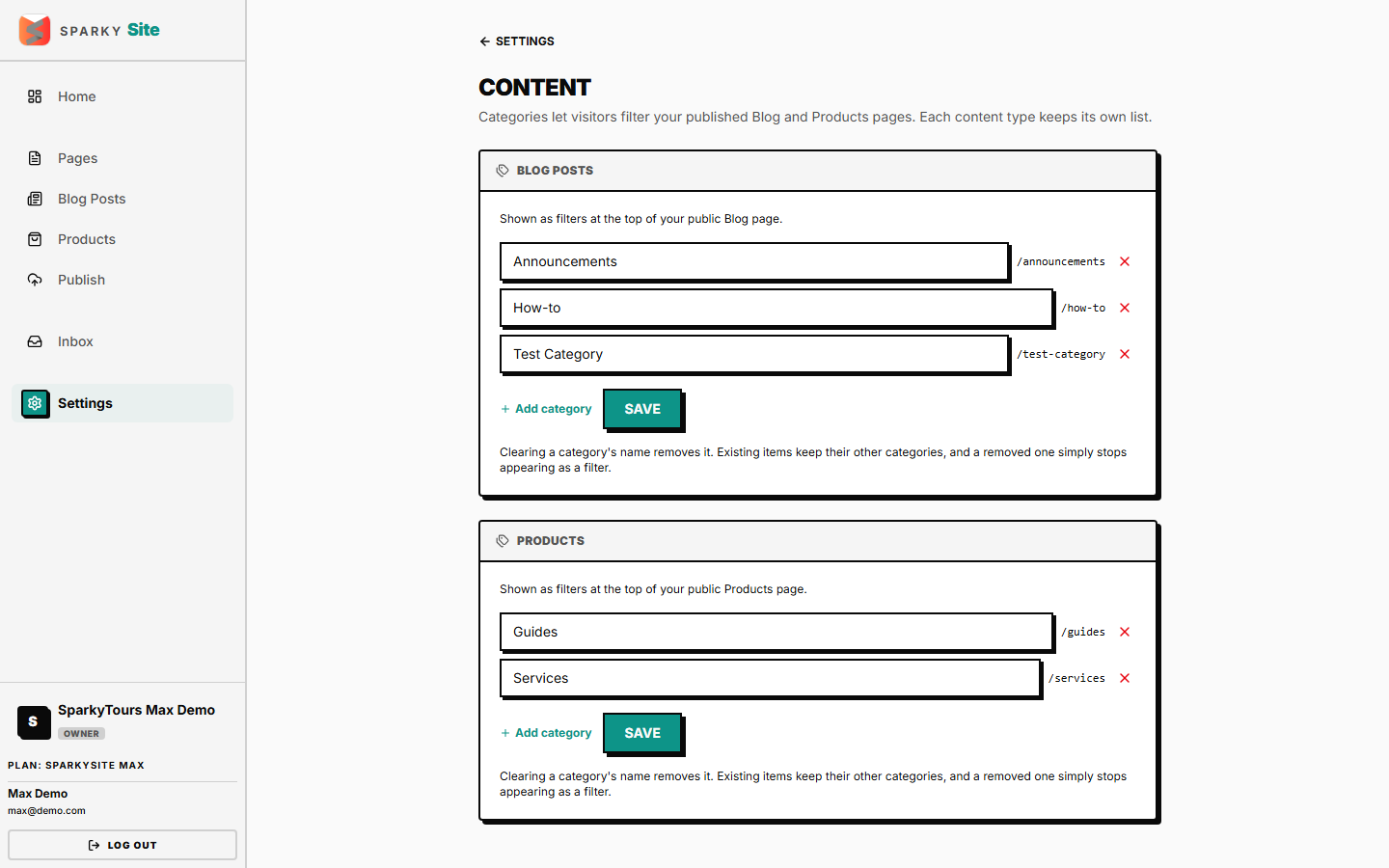
Open Settings → Content. Set up separate category lists for Blog Posts and Products — these appear as filters on your public site. Clearing a category's name removes it; existing items keep their other categories.
How to connect your own image hosting
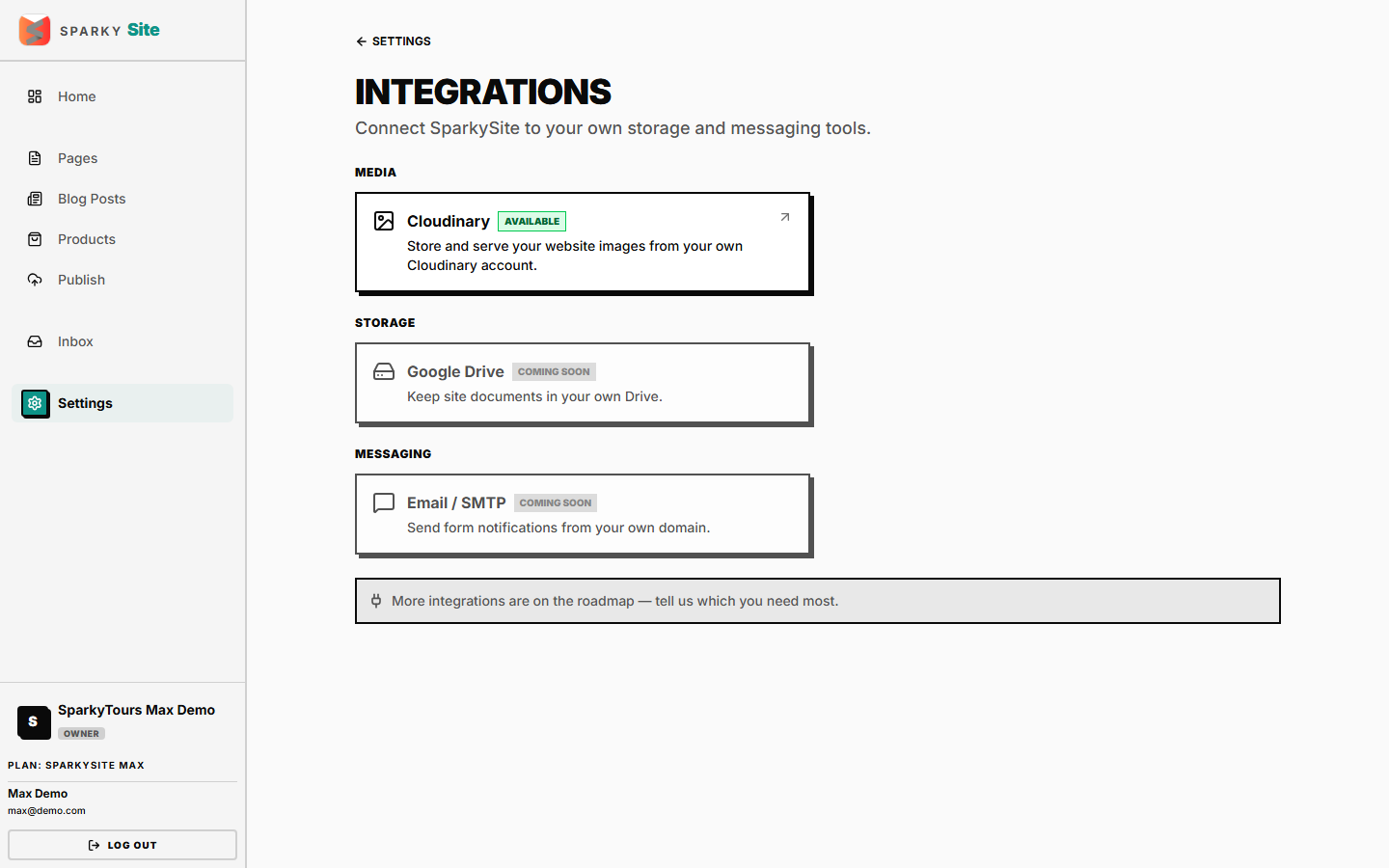
Open Settings → Integrations, then Cloudinary (if your plan supports it). Connect your own account (cloud name + upload preset) so your site's images are hosted there instead of the shared house account — the pair is verified before saving, so a typo can't silently break future uploads.
How to view or change your plan
Open Settings → Billing.
How to connect document storage
Open Settings → Storage.
How to manage inbox (support) settings
Open Settings → Inbox.
How to manage team members
Open Settings → Members — invite, revoke an invite, change a role, or remove a member.
How to accept or decline an organization invitation
Open Settings → Invitations — invites sent to your email address across any organization.