Blog
Write and publish blog posts for your website, with categories and an optional call-to-action.
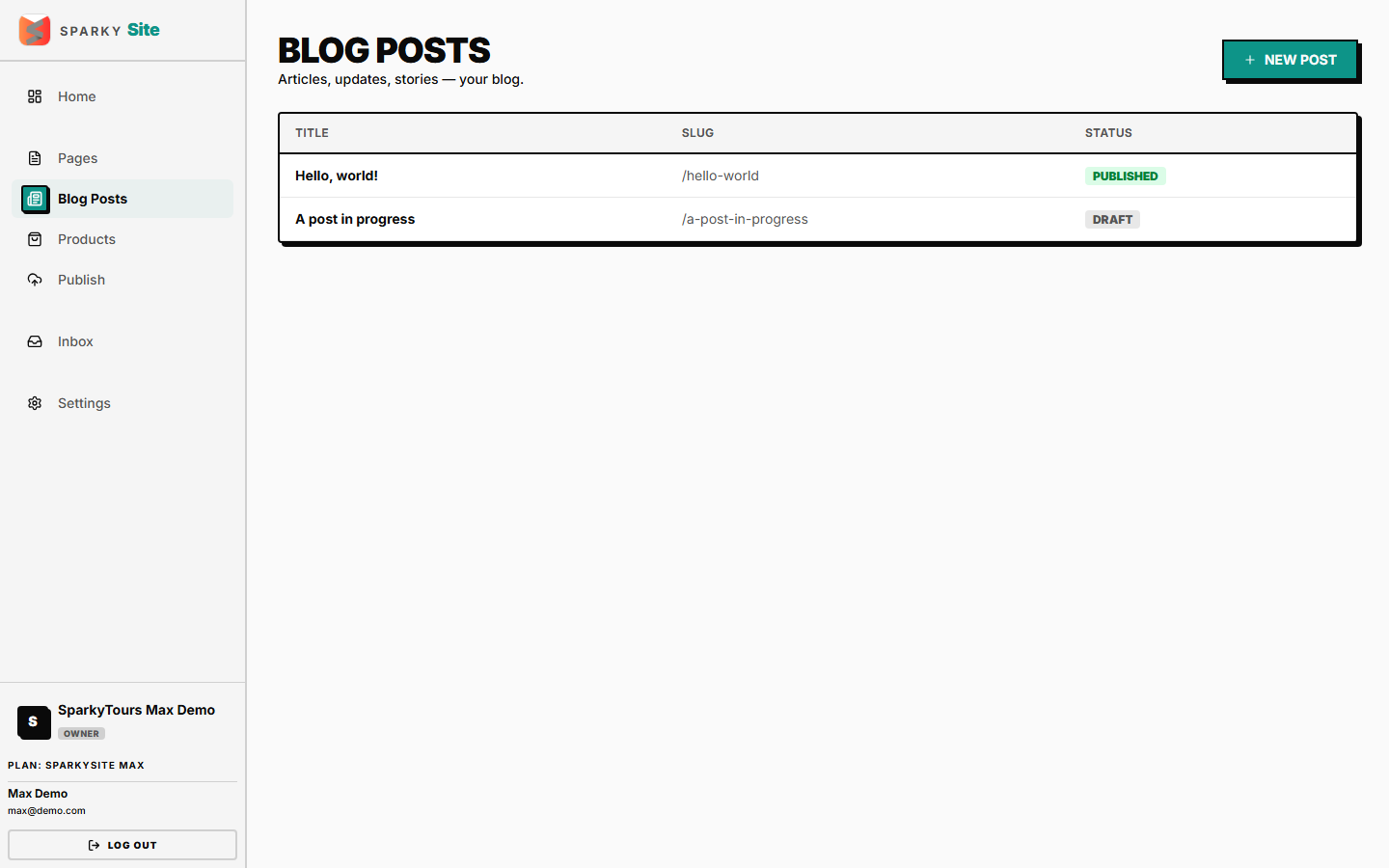
How to view all blog posts
Open Blog from the sidebar.
How to write a blog post
Click "New Post," give it a title. If your plan has a post limit, creating past it is blocked with an upgrade prompt.
How to edit a post
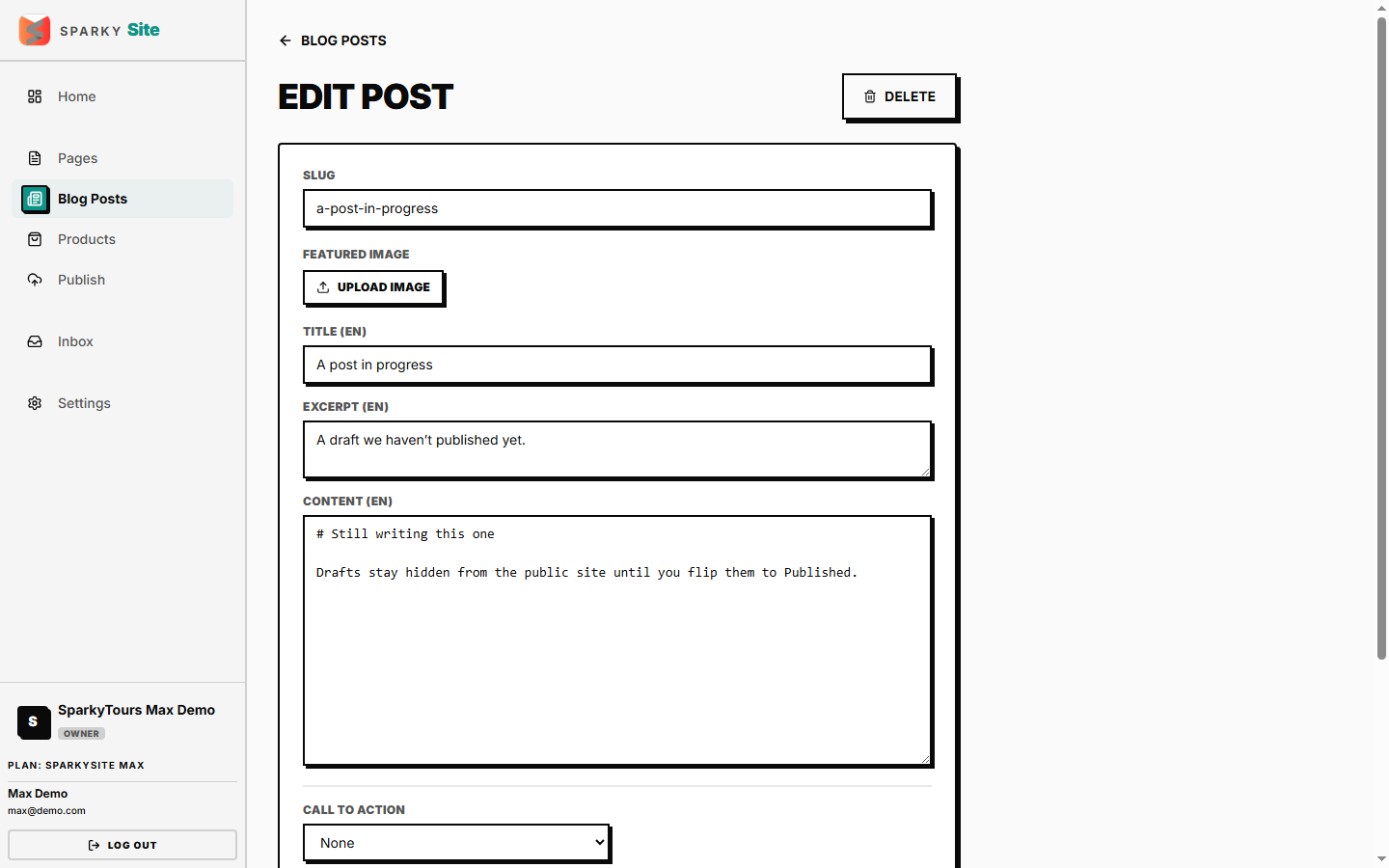
Open a post to edit its title, excerpt, and content per language, its featured image, categories, and an optional call-to-action (a "Learn more"/"Buy" link, or a WhatsApp contact link).
How to publish a post
Set a post to Published to make it live — requires publishing permission, same as Pages. Publishing for the first time also stamps a publish date; re-saving an already-published post doesn't reset it.
How to organize posts with categories
Set up your blog's category list from Settings → Content, then assign any post to one or more of them — these show as filters on your public Blog page.
How to delete a post
Delete a post you no longer need, then confirm.